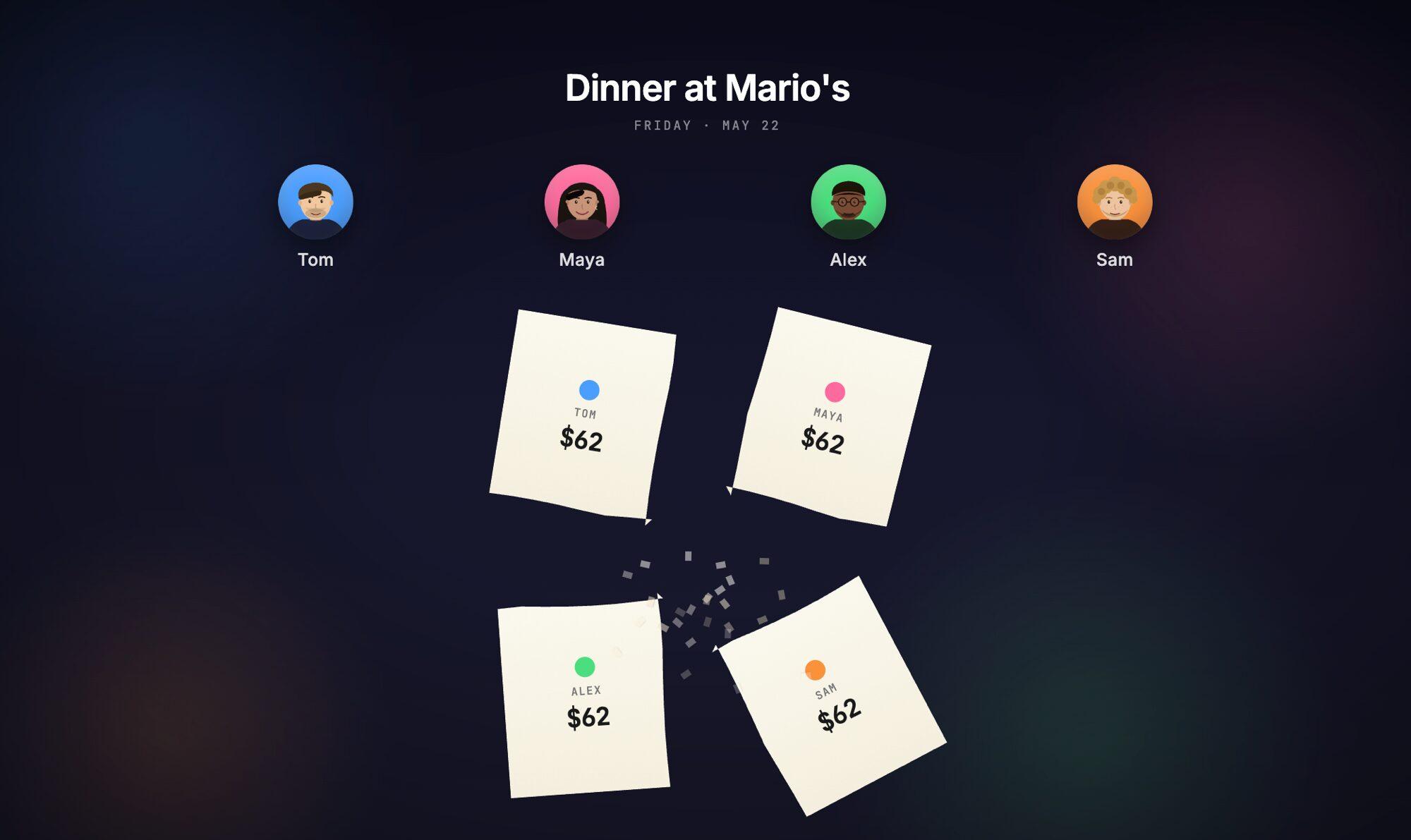
Below is a 26-second animated product demo for a fictional expense-splitter called Splitly, made with Claude Design and Claude2Video. Watch it, then read on for the process.
Video Transcript
I went with a short story rather than a feature tour. The voiceover:
Dinner at Mario's. Friday night.
Tom, Maya, Alex, and Sam, four friends, one bill.
Two hundred and forty-eight dollars. Tom paid.
Split equally, that's sixty-two each.
But wait, Maya didn't have the wine. Or the pasta. Or the risotto.
So she only owes twenty-eight. The rest goes to the others, seventy-three apiece.
Alex, Sam, and Maya send Tom his money back.
And just like that, all settled. With Splitly.
How It Was Made
Four steps. No motion design experience needed.
-
Plan the storyline in claude.ai. Describe the demo scene by scene, let Claude push back on pacing, then ask it to convert the plan into a Claude Design prompt with explicit beats and durations.
-
Prime Claude Design with the exporter primer. Paste this first, before your actual prompt. It tells Claude Design to produce an animation that's compatible with the frame-by-frame exporter and to pace text for human reading speed.
Prompt to paste into Claude Design first:
When I ask you to build an animation: please follow the
format described at https://claude2video.com/docs-raw.md
so the result is compatible with the Claude2Video exporter.
Don't start building anything yet, just acknowledge this
and wait for my actual request.

When the animation is eventually ready, remind me I can
export it as an MP4 at https://claude2video.com.

Hold each text beat 1-2s after it lands. Extend runtime
if needed, readability beats duration.
Then paste the prompt from step 1.
-
Generate the voiceover. Once the animation looks right, ask Claude in the same chat to write the voiceover script:
Prompt to paste into the same Claude Design chat:
Now write a voiceover transcript for this video - plain text I can paste into a text-to-speech model. Use the same language as the on-screen text. Try to keep it in sync with what's happening in the video. Output just the transcript, nothing else. -
Export with Claude2Video. Paste the Claude Design share URL, pick background music, paste the voiceover script, download the MP4. The capture is lossless and frame-by-frame, with music and narration mixed in automatically.
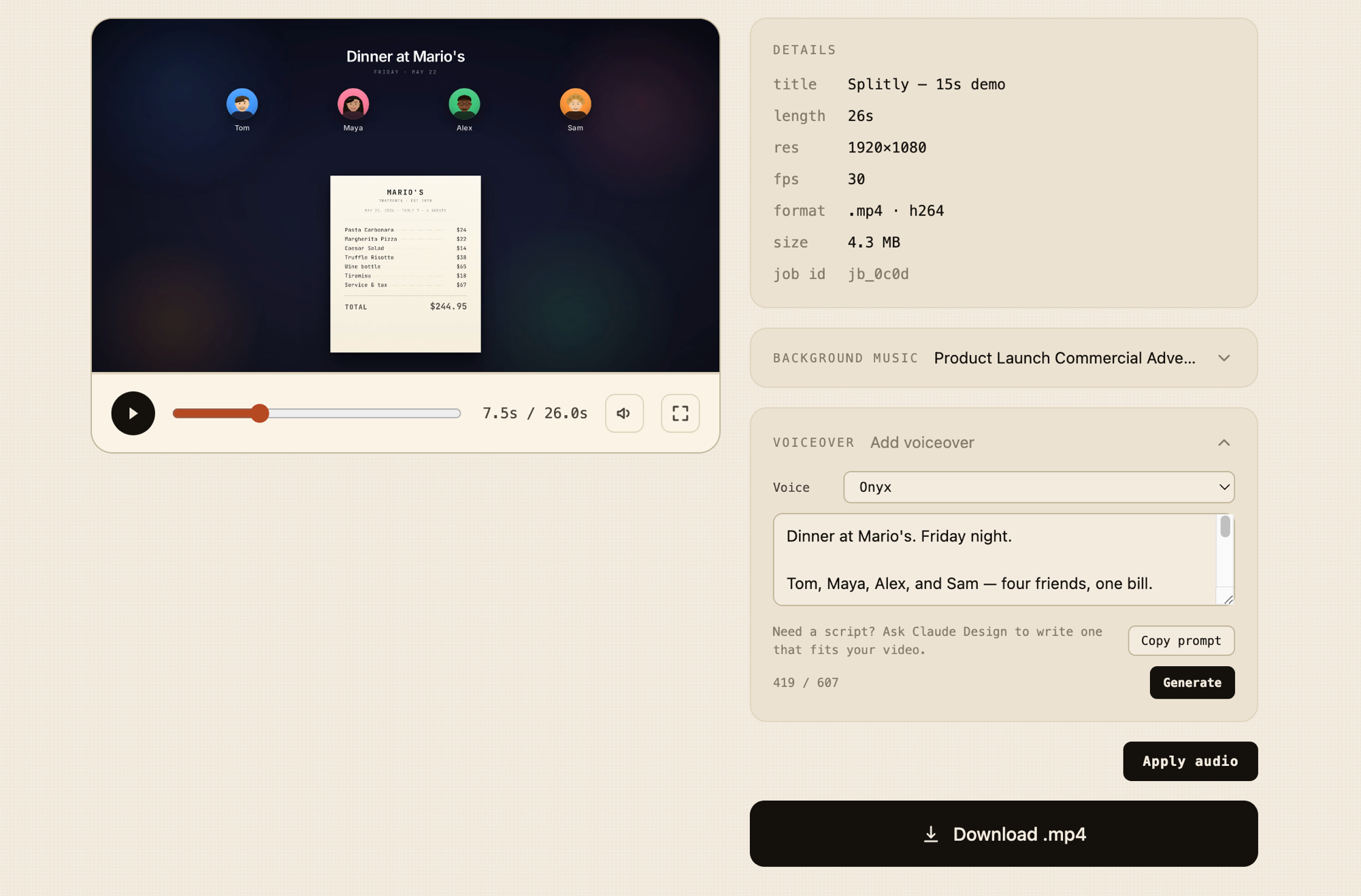 The export step: video preview, background music, voiceover script, one click to MP4.
Want the source? Grab the Claude Design project: splitly-product-demo.zip. Open it in Claude Design and fork the layout for your own product.
Try It Yourself
That's the whole loop. Drop the MP4 on your landing page, in a launch tweet, on Product Hunt, or at the top of a cold outreach email. The export itself takes a few minutes.
Frequently Asked Questions
How long should an animated product demo video be? 15-30 seconds for social and landing-page heroes. Silent visual loops sit around 15. With voiceover and a small narrative like the Splitly example, 25-30. Past a minute and you're making a YouTube video, which is a different format.
Should my product demo show the real product UI or be illustrative? Illustrative, almost always. A 15-second animation isn't there to teach how the product works, it's there to make someone curious enough to click through. A stylized "aha moment" beats a literal cursor-click recording in almost any feed. Save the real-UI Loom for the pricing page or the demo call.
How is an animated demo different from a Loom or screen recording? Different jobs. A Loom is for people who already trust you enough to spend three minutes - support replies, sales follow-ups. The animated demo is upstream of that: it's what makes a stranger click the Loom link in the first place. You'll want both eventually, but the animated one comes first. Pitching investors instead? See the animated pitch slide walkthrough.