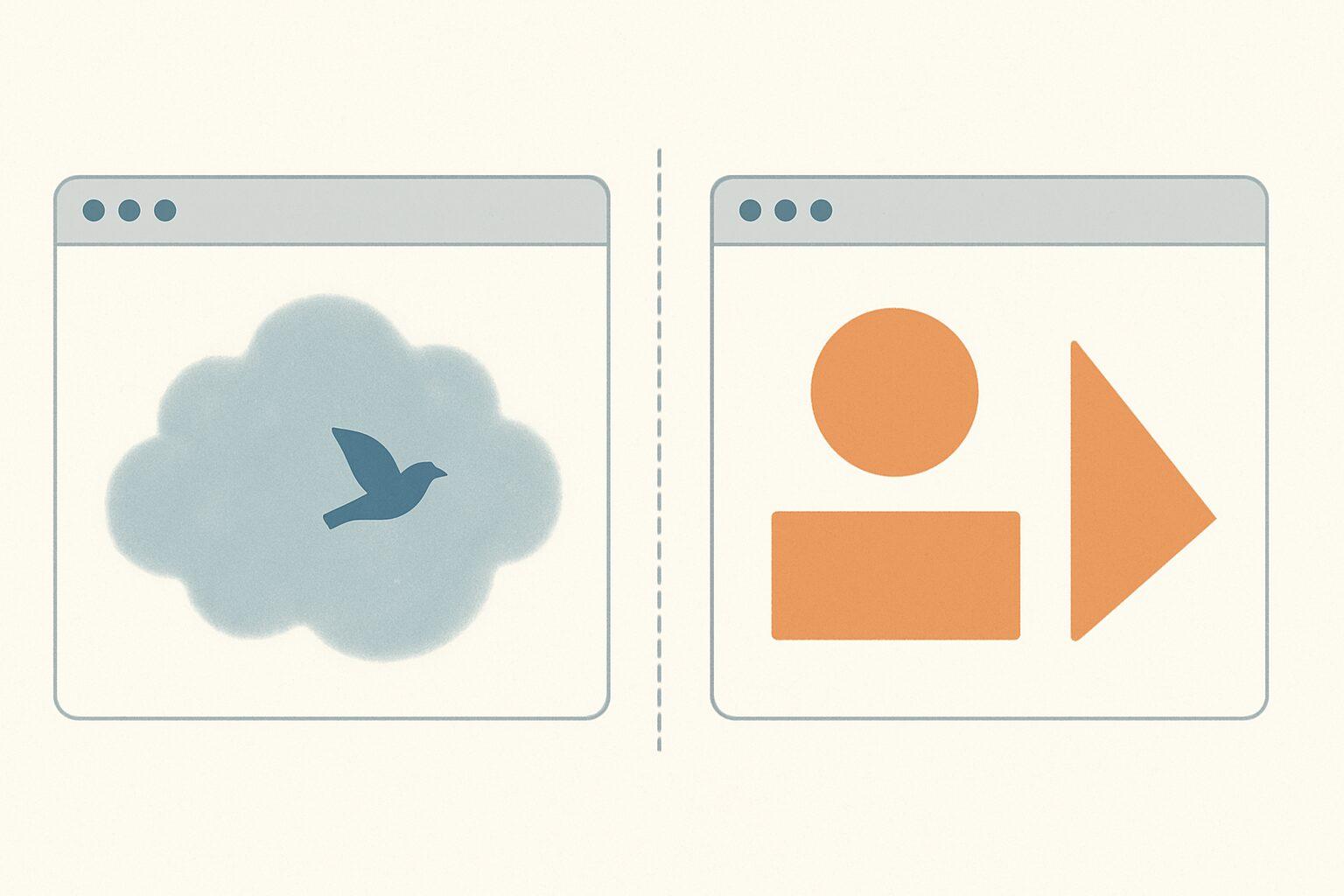
Gemini Omni and Claude Design are both prompt-driven, both ship from frontier AI labs, and both get called "AI video tools" in the same breath. They are not the same product. Gemini Omni generates a finished video file from a prompt. Claude Design generates the code for a motion graphic that runs in a browser. Pick Gemini Omni for live-action clips with audio. Pick Claude Design for programmatic animations, UI motion, and graphics you want full control over.
What Is Gemini Omni?
Gemini Omni is Google's multimodal video generation model, announced at Google I/O 2026 on May 19, 2026. The first variant, Gemini Omni Flash, takes any combination of text, images, audio, and video as input and produces a finished MP4 with synchronized sound. Editing is conversational: you say "remove the person in the background" or "make the lighting warmer" and the model re-renders the clip. Google positions Omni as a "world model" with an intuitive grasp of physics, rather than a stitched-together generator.
Output is currently capped at 10 seconds per clip at 480p, 720p, or 1080p. Access is through the Gemini app, Google Flow, and YouTube Shorts, with paid tiers starting at $7.99/month (free inside YouTube Shorts and YouTube Create).
What Is Claude Design?
Claude Design is Anthropic's prompt-to-prototype tool, launched April 17, 2026. You describe what you want in plain language and Claude writes the underlying HTML, CSS, JavaScript, React, or SVG, then renders it live in the Artifacts panel. For motion, it uses CSS animations or the Motion library. The output is code, not pixels. You can iterate by chatting, by leaving inline comments on the preview, or by editing the code directly.
Claude Design has no native export button. To get a video file out, you screen-record the playback, write a Playwright script, or use Claude2Video to render the animation frame by frame into an MP4.
How Do They Actually Differ?
The core difference is what gets generated.
Gemini Omni produces pixels. A neural network paints each frame, complete with photorealistic lighting, motion blur, and synchronized audio. You cannot inspect or modify the underlying mechanics, only describe what you want changed.
Claude Design produces code. A program runs in the browser and renders the animation at whatever resolution and frame rate you want. You can read the code, fork it, embed it in a website, or extend it indefinitely. There is no "model output" to be stochastic about.
That distinction shapes everything else.
Full Comparison
| Feature | Gemini Omni | Claude Design |
|---|---|---|
| Output format | MP4 with audio | Live code (HTML/CSS/React/SVG) |
| Generation method | Neural video model | Code generation |
| Visual style | Photorealistic / cinematic | Stylized, graphic, UI-flavored |
| Length cap | 10 seconds | None (animation runs as long as you want) |
| Audio | Synchronized, generated | None |
| Resolution | 480p / 720p / 1080p | Any (you control the render) |
| Determinism | Stochastic | Deterministic |
| Editing model | Conversational re-render | Edit code or chat with Claude |
| Native export | Yes (MP4) | No (see how to export) |
| Pricing | From $7.99/mo (free in YouTube Shorts) | Included in Claude plans |
| Best for | Realistic short clips, social video | UI motion, infographics, branded graphics |
When Should You Use Gemini Omni?
Use Gemini Omni when you want a finished video and you don't care how it was made. Specifically:
- Short social clips for YouTube Shorts, TikTok, or Reels. 10 seconds is the format anyway.
- Photorealistic scenes you'd otherwise have to film. A dog in a coffee shop, a drone shot of a beach, a person holding a product.
- Anything that needs synchronized audio. Gemini Omni generates ambient sound, footsteps, and dialogue in one pass.
- Conversational re-edits. "Make the camera pan left" is faster than re-prompting from scratch.
- You don't want to think about file formats or pipelines. It exports MP4 directly.
The honest tradeoffs: 10-second cap, paid tier required for anything beyond YouTube Shorts, and the usual stochastic-model issues. Visual errors, weak prompt control, and short clip lengths break the flow of creation, according to early reviews. Audio editing of existing clips is held back at launch.
When Should You Use Claude Design?
Use Claude Design when you want full control, no length limit, or non-photorealistic output. Specifically:
- Motion graphics for product demos, landing pages, or app UIs.
- Animated infographics, charts, or data visualizations. Bind real data, redraw cleanly.
- Branded explainer animations where you need exact colors, typography, and pacing.
- Long-form animations. A 60-second product walkthrough is trivial. Gemini Omni won't go past 10 seconds.
- Reusable components. The output is code, so you can drop it into a React app or rerun it at a different resolution.
- Deterministic playback. Same input, same animation, every time.
The honest tradeoffs: no audio, no photorealism, and no native export. You'll need a separate tool to get an MP4 out. Claude2Video handles that in one click by rendering frame by frame in a headless browser.
Which One Is Better?
Neither. They solve different problems.
If your mental model is "I want a 7-second clip of a robot dog walking through snow," Gemini Omni is the answer. If your mental model is "I want an animated bar chart that updates from a CSV and matches our brand colors," Claude Design is the answer. The overlap is small.
The closer comparison for Gemini Omni is Sora, Veo, or Runway. The closer comparison for Claude Design is Remotion, Rive, or hand-coded SVG animations - tools where the output is a program, not a pixel buffer.
How Do You Export a Claude Design Animation as MP4?
Claude Design has no export button. Three options exist.
- Screen record the playback. Fast, but compresses gradients and stutters on fast motion. Fine for a quick preview, not for anything you'll look at closely. See screen recording vs frame-by-frame for why.
- Claude Code + Playwright. Ask Claude Code to write a script that opens the share URL in a headless browser, controls the animation clock, and assembles frames with ffmpeg. Maximum control, 20-30 minutes of setup.
- Claude2Video. Paste your share URL or replace
claude.aiwithclaude2video.comin the address bar. Download the MP4. Frame-by-frame quality, no install.
Gemini Omni skips this entirely - the output is already an MP4.
Can You Use Both Together?
Yes, and it's the right move for some workflows. Use Claude Design to produce a programmatic UI animation (deterministic, on-brand, infinitely tweakable). Use Gemini Omni to generate a live-action B-roll clip. Stitch them together in any editor. The two products complement each other better than they compete.
Frequently Asked Questions
Is Gemini Omni better than Claude Design? For generating finished video clips with audio in under 10 seconds, yes. For generating animation code, UI motion, infographics, or anything longer than 10 seconds, no. They are different products solving different problems. Gemini Omni outputs pixels. Claude Design outputs code that renders pixels.
Does Claude Design generate video files? No. Claude Design generates HTML, CSS, JavaScript, React, or SVG code that renders an animation in the browser. To get an MP4 file, you need to record the playback, write a frame-by-frame capture script, or use a service like Claude2Video.
Can Gemini Omni generate animations longer than 10 seconds? Not at launch. Google has capped Omni Flash at 10 seconds per clip during initial rollout to manage compute demand. The model itself can generate longer clips, and the cap is expected to lift over time. For longer animations today, Claude Design has no length limit.
Does Gemini Omni have audio? Yes. Gemini Omni generates synchronized audio natively - ambient sound, sound effects, and dialogue all in one pass. Claude Design has no built-in audio. If your project needs sound, Omni handles it out of the box.
Which is cheaper, Gemini Omni or Claude Design? Gemini Omni starts at $7.99/month for Google AI Plus, with usage measured in Flow credits. It's free inside YouTube Shorts and YouTube Create. Claude Design is included with any Claude plan. For most users, Claude Design is the cheaper path - but only if you actually want code-based animations, not photorealistic video.
Can I export a Claude Design animation to MP4 with Gemini Omni? No. Gemini Omni generates video from scratch. It does not take a Claude Design animation as input and re-render it as video. To export Claude Design as MP4, use Claude2Video, which captures the animation frame by frame in a headless browser and assembles a clean MP4.
Is Claude Design going to add video export? Anthropic has not announced a native export feature. Claude Design launched April 2026 as a research preview, and the focus so far has been on the design and code-generation surface, not the output pipeline. Until that changes, third-party tools fill the gap.